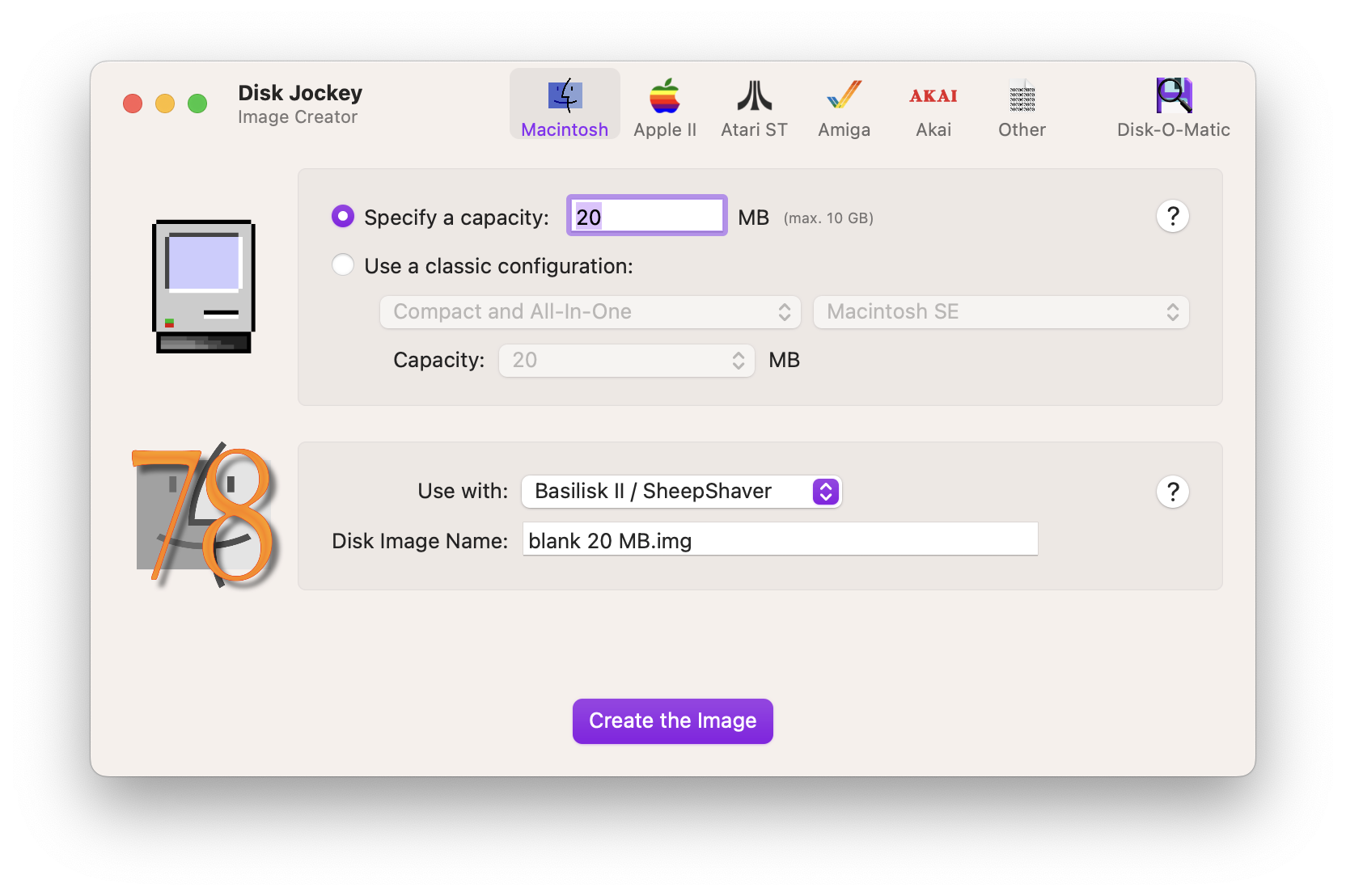
Disk Jockey is an app for creating and analyzing disk images for retro computing platform emulators as well as actual hardware, including the Apple II, Amiga and Atari ST. The add will run on the following Mac OS platforms:
10.13 High Sierra
10.14 Mojave
10.15 Catalina
11 Big Sur
12 Monterey
13 Ventura
14 Sonoma
It also runs natively on Intel and Apple Silicon machines and will run offline. Changes in Disk Jockey version 3.4 include the following items:
Disk-O-Matic now understands HFS+ (Mac OS Extended). Revisit your disk images and restore old files from the late Nineties! If you’ve ever opened a disk image and all you could see was a file named “Where_have_all_my_files_gone?”, this was because it was an HFS+ volume wrapped in an HFS container. The HFS+ volume will now be properly displayed. Thanks to mabinog1an for providing some very useful test material.
Did you know that ProDOS supported resource forks, just like HFS? Now, thanks to @uliwitness@chaos.social, I do too, and so does Disk-O-Matic. If you’ve had ProDOS files coming from your IIgs (like HyperCard stacks) not appearing, this is why. And you can export both the data and resource forks too.
Speaking of resource forks, it’s now possible to extract them separately from the file so you can look at them without digging around using Terminal. Look in the new “Export” dialog.
Whenever possible, Disk-O-Matic now shows the type of file in the file browser. It’s much easier to pinpoint which are text files, which are images and which are applications, for example.
When you extract or convert a disk image, the standard file picker dialog now appears instead of DJ chucking everything in the Downloads folder. It’s one more click, but it’s way more flexible.
I guess that makes me uncool but there is still no AI in Disk Jockey. It’s all hand-made with human fallibility, questionable design choices and, most of all, love for the craft. And coffee.
All together now: bug fixes and performance improvements.
You can download the latest version of Disk Jockey as well as older versions at:
https://diskjockey.onegeekarmy.eu/